Never Store Money as a Float: Why Our Apps Use Integer Paise
A small, boring decision at the start of an app, how you store amounts, decides whether your totals match to the paisa a year later.
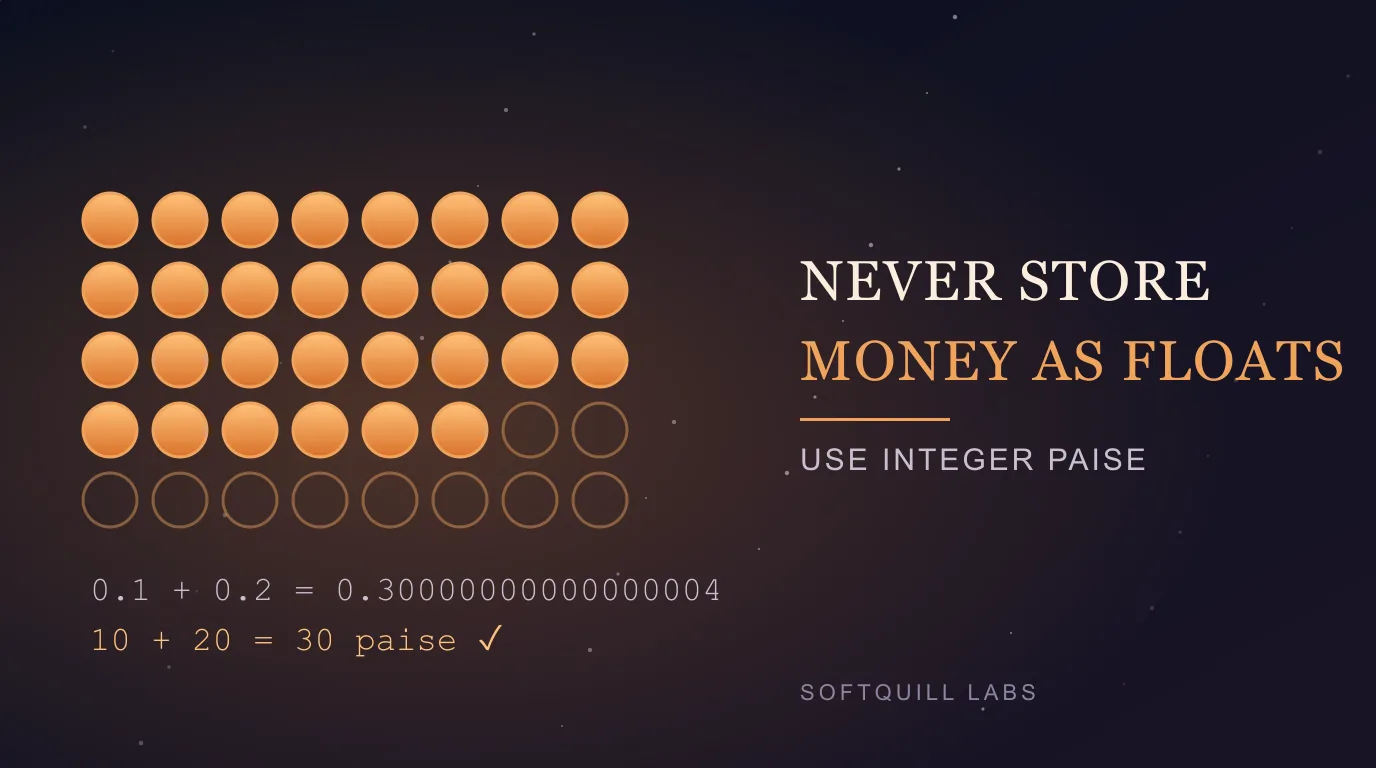
If you are building any app that handles rupees, the single most useful rule is: do not store or add money as a floating-point number. This is old advice, but the bug it prevents is quiet. Totals drift by a paisa, a ledger refuses to balance, or a tax figure differs from the invoice. Nobody notices until a user does.
This note explains why it happens, shows real output you can reproduce in a console, and describes the approach we use in our own finance calculators: whole numbers of paise.
Why floats cannot represent money
Computers store Float and Double values in binary (IEEE 754). Many decimal fractions that look simple, such as 0.1, have no exact binary representation, just as 1/3 has no exact decimal one. The stored value is the nearest representable number, and tiny errors appear when you do arithmetic. You can see it in any JavaScript or Kotlin console:
0.1 + 0.2            // 0.30000000000000004
1.005 * 100          // 100.49999999999999
1299.99 * 3          // 3899.9700000000003
Add a thousand ₹0.10 entries in a loop and the total is not exactly 100.0 either: it comes out as 99.9999999999986. One result is off by a billionth of a rupee, which hides in a display. But it breaks equality checks (total == expected is false), and it makes rounding inconsistent: whether ₹2.675 rounds to ₹2.67 or ₹2.68 depends on the internal binary value, not on what you typed.
The fix: store whole paise
One rupee is 100 paise. If you store every amount as an integer number of paise, ₹1,299.99 becomes 129999. Integer addition, subtraction and multiplication by whole numbers are exact, so sums and comparisons behave the way an accountant expects.
// Kotlin
@JvmInline value class Paise(val value: Long) {
    operator fun plus(o: Paise) = Paise(value + o.value)
    operator fun minus(o: Paise) = Paise(value - o.value)
    operator fun times(n: Int)  = Paise(value * n)
    fun toRupeesString(): String =
        "%d.%02d".format(value / 100, kotlin.math.abs(value % 100))
}
val price = Paise(129_999)         // ₹1,299.99
val total = price * 3              // Paise(389_997) — exactly ₹3,899.97
A Long holds up to about 9.2 × 10¹⁸, which is ₹9.2 × 10¹⁶ in paise. That is far more than any personal-finance app needs. In a database such as Room/SQLite, store the column as INTEGER. In JavaScript, plain numbers are exact for integers only up to Number.MAX_SAFE_INTEGER (about 9 × 10¹⁵), which is still ample for paise amounts, or you can use BigInt.
Rounding: the part that needs a decision
Integers fix addition. They do not remove the need to round: interest, GST and discounts produce fractions of a paisa. Make three decisions explicitly and apply them everywhere:
- Where to round. Round once at a defined step, for example when the monthly interest is computed, not after every intermediate operation.
- How to round. Half-up (2.5 to 3) is what most people expect and what most Indian invoicing uses, but write it down. Java's
BigDecimalwithRoundingMode.HALF_UPmakes it explicit. - Who absorbs the remainder. When you split ₹100 three ways, you get 33.33 + 33.33 + 33.33 = 99.99. Give the extra paisa to the last share and the shares sum exactly to the total.
Here is a GST calculation, done in integer paise with half-up rounding:
fun gst18(base: Paise): Paise =
    Paise((base.value * 18 + 50) / 100)   // half-up on a non-negative value
// ₹1,299.99 base → GST of 233.9982 → rounds to ₹234.00 (23_400 paise)
For long chains of calculations such as amortization, a common approach is to keep full precision internally (BigDecimal) and convert to paise only at the boundary where a figure is shown or stored. The key is that you pick one policy and test it.
Test it like an accountant
- Property tests: the sum of the parts equals the total, for any split.
- Round-trip tests: store, reload and display give the same string.
- Known-answer tests: a loan schedule whose final balance must be exactly zero, with the last instalment adjusted for rounding. Our EMI worked example uses unrounded values for clarity, whereas a real lender's schedule rounds each month and trues up at the end.
When floats are fine
Floating point is perfectly suitable for things that are not money: chart coordinates, percentages shown with one decimal, or an estimate labelled "about". The rule is narrow. Anything that must reconcile exactly, such as balances, prices, tax and payouts, should be exact.